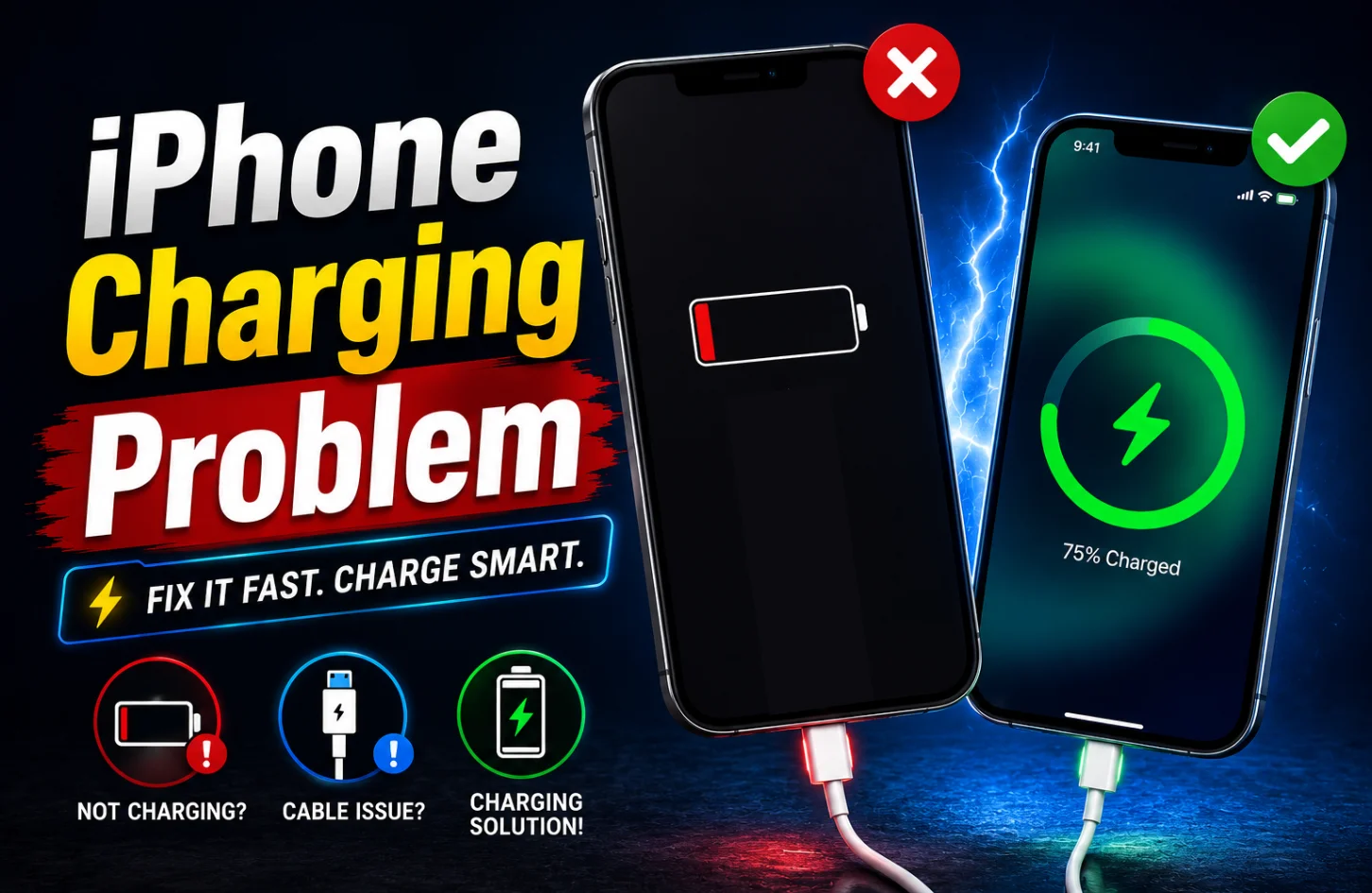
iPhone Charging Problem – Causes and Easy Fixes
Ever plugged in your iPhone and noticed it’s not charging the way it should? It can feel confusing and frustrating, especially when you depend on your phone for daily tasks like communication, work, and entertainment. iPhone charging problems are more common than you might think, and they can happen for many simple reasons.
In this blog, we will break down the real causes behind iPhone charging problems in a clear and easy way. You will learn how to identify the issue step by step and understand what you can fix at home and when you should seek professional help. So if your iPhone is charging slowly, not charging at all, or behaving strangely, this guide will help you find the right solution quickly and safely.
Common Signs of iPhone Charging Problems
Before fixing the issue, it is important to understand what kind of problem you are facing. Here are some common signs that show your iPhone has a charging problem.
- iPhone does not charge when you plug in the charger cable
- Charging starts but stops again and again without any clear reason
- Battery percentage increases very slowly, even after a long charging time
- The charger only works when the cable is bent or held in position
- iPhone heats up while charging and drains battery faster than normal
- The charging icon shows, but the battery level does not increase at all
If you notice any of these signs, then your iPhone needs attention.
Main Reasons Behind iPhone Charging Problems
There are many reasons why your iPhone may not charge properly. Some are very simple, and some need professional help. Let’s take a look at the most common causes so you can understand what might be affecting your device.
Dirty Charging Port
Dust and lint often collect inside the charging port over time and block proper connection. When the cable cannot fully connect with the port, your iPhone may charge slowly or stop charging completely without any clear warning.
Faulty Charging Cable
Charging cables can get damaged due to daily bending, pulling and rough use. Even if the outer part looks fine, the internal wires may be broken, which leads to unstable charging or no charging at all.
Adapter Issues
Using a low-quality or damaged adapter can affect charging speed and stability. Sometimes the adapter fails to deliver proper power which causes slow charging or sudden disconnection during charging and makes the overall experience frustrating.
Software Problems
Temporary software bugs or system glitches can interrupt the charging process. Your iPhone may not recognize the charger properly or may stop charging suddenly. These issues usually happen after updates or due to minor system errors.
Battery Health Degradation
Over time, iPhone batteries lose their capacity and cannot hold a charge like before. A weak battery may charge slowly and drain quickly, which creates the feeling that charging is not working properly even when the charger is fine.
Water or Moisture Damage
Exposure to water or moisture can damage the charging port or internal components. Even a small amount of moisture inside the port can block charging and sometimes your iPhone may show a liquid detection warning and stop charging for safety.
Easy Fixes You Can Try at Home
Now let’s look at some simple solutions that you can try before going to a repair shop.
Clean the Charging Port Carefully
Dust is one of the most common reasons for charging problems.
- Use a soft brush or a wooden toothpick to remove dirt carefully
- Do not use metal objects because they can damage charging pins
- Clean gently and make sure no dust remains inside the charging port
After cleaning, try plugging your charger again and check if it works.
Check Your Charging Cable
Always check your cable if charging is not working properly.
- Try using another original cable to see if problem gets fixed
- Avoid using cheap cables because they can damage your iPhone battery
- Replace damaged cable immediately to prevent further charging related issues
Using a good quality cable makes a big difference.
Use a Proper Adapter
Not all adapters are the same. Using the right adapter is very important.
- Use an original adapter or certified adapter for better charging performance
- Avoid low-quality adapters because they can harm your phone battery
- Try another adapter to confirm whether adapter is causing the issue
Restart Your iPhone
Sometimes a simple restart can fix many problems.
- Restart your iPhone to clear temporary software bugs affecting charging process
- Wait for a few seconds and then plug charger again to check properly
- This simple step often solves minor issues without needing any repair
Check for Software Updates
Apple often releases updates to fix bugs.
- Go to settings and check for the latest iOS update available now
- Install updates because they fix bugs that affect charging performance sometimes
- Updated system helps your iPhone run smoothly and charge properly again
Avoid Charging in Extreme Conditions
Temperature also affects charging.
- Avoid charging in very hot places because heat can damage the battery
- Do not charge in very cold areas, as performance may drop
- Always charge your iPhone at a normal room temperature for best results
When You Should Visit a Repair Center
If none of the above solutions work, then your iPhone may have a hardware issue. In that case, it is better to visit a trusted repair center. Here are some situations when you should get professional help.
- Charging port is physically damaged and cannot hold charger properly anymore
- Battery drains very fast, even after full charge, and needs replacement
- Phone does not respond at all when charger is connected properly
- Water damage has affected internal components and charging system badly
A professional technician can check the problem and give the right solution so your iPhone works like before. And if you want a trusted place with reliable service, then AG Care is always ready to help you with proper diagnosis and quality repair support.
Tips to Prevent Charging Problems in the Future
Prevention is always better than repair. If you take care of your iPhone properly, then you can avoid many charging problems.
- Always use an original or certified charger to ensure safe and stable charging performance
- Keep your charging port clean so dust and lint do not block the connection
- Handle the charging cable carefully and avoid bending or pulling it too hard
- Avoid charging your iPhone for very long hours again and again daily
- Keep your iPhone away from water and moisture to prevent internal damage
- Check battery health regularly so you can take action before issues start
Final Thoughts
I hope that after reading this blog, you now have a clear idea about iPhone charging problems and how they can affect your daily life. From simple issues like dust in the charging port to more serious problems like battery damage or internal faults, understanding the cause is the first step to fixing it.
The good thing is that many charging problems are easy to solve at home with simple care and the right habits. And by using good quality chargers and keeping your device clean and safe, you can prevent most of these issues in the future.
But if the problem continues or feels serious, it is always better to take professional help instead of waiting.
FAQs
Why is my iPhone not charging even when plugged in?
Your iPhone may not charge due to a damaged cable, dirty charging port, faulty adapter, or software glitch. Try cleaning the port and using the original accessories to fix the issue.
Can a software update fix iPhone charging problems?
Yes, sometimes charging issues are caused by software bugs. Updating your iPhone to the latest iOS version can fix these problems and improve overall charging performance.
When should I visit a repair center for iPhone charging problems?
If your iPhone still does not charge after trying basic fixes like cleaning the port or changing cables, it is best to visit a professional repair center to check for hardware issues.

Fateha Firoz is a passionate Content Writer at Apple Gadgets Care. With a strong interest in gadgets, she keeps a close eye on the latest gadget trends and enjoys turning complex tech topics into simple, useful insights for everyday users.