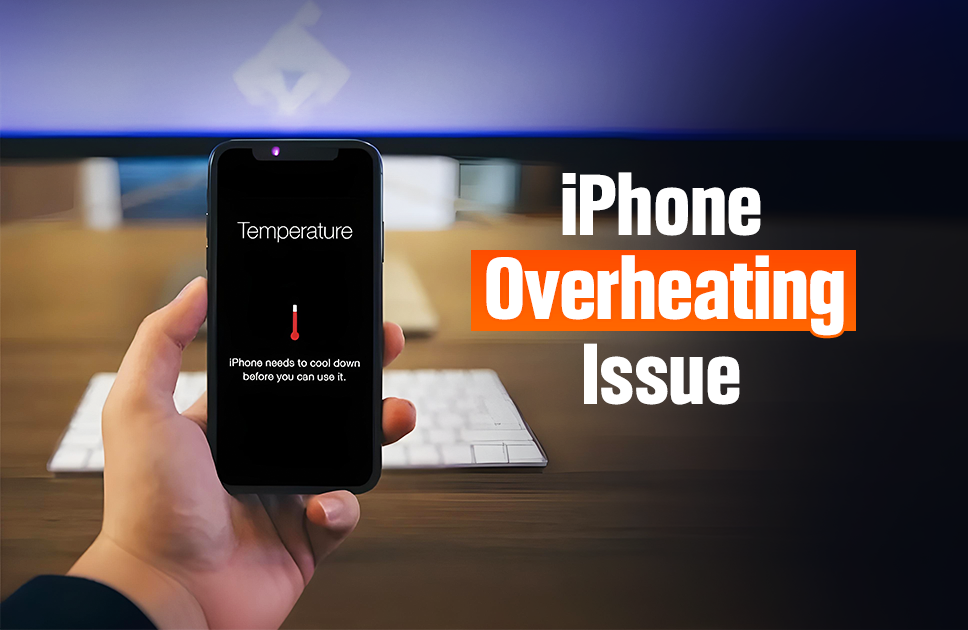
iPhone Overheating? 6 Ways to Cool Down iPhone Heating Issue
Have you been enjoying your iPhone for gaming, streaming videos, and multitasking, only to find it getting hot to the touch one day? Your iPhone keeps warming up, leaving you anxious – what’s happened to my beloved phone?
Well hold up just yet – before you panic or rush to get professional help from a certified Apple repair technician, it’s worth knowing that some warmth is normal during usage. And in those cases, you can take some measures to fix it by yourself without paying a hefty amount. However, persistent overheating can indicate some issue. Here’s everything you need to know why your iPhone might overheat and how to fix it
Why Does Your iPhone Overheat?
1. Outdated Software
One of the most common factors causing your iPhone to get hot is software. If you are running an outdated version of iOS, this may be the case. You can simply update to the latest version and this may eradicate the overheating issue as software updates contain bug fixes, and performance boost features. To update your iPhone, navigate to Settings > General > Software Update and install the latest version.
2. Malfunctioning Battery
Another common cause of iPhone overheating issues is an unhealthy battery. Over time, wear and tear happens, and batteries can become faulty for many other reasons. This is an issue you can not solve at home, but you can check if this is the case from your phone. Navigate to Settings > Battery on your iPhone and see its health status. If the health percentage is low, it might be time for a replacement.
3. Heavy Usage
Running several or resource intensive tasks can overwork your processor, and lead to an overheated iPhone. Simply by reducing the number of apps running, you can tackle iPhone overheating due to usage. Close apps in the background and uninstall any unnecessary app that you don’t use.
4. Streaming and Brightness
If you are streaming very high resolution videos at a peak brightness, the iPhone can get hot real quick. Just reduce the streaming resolution along with adjusting the brightness of your screen by pulling down the drawer from top, and see immediate results.
5. Environmental Factors
iPhones operate at an optimum environmental temperature of 0 – 35 degrees Celsius. Leaving your iPhone under direct sunlight for too long or on the car dashboard when it’s parked for an extended period of time can cause it to get hot. To resolve, simply avoid using your phone under direct sunlight for too long.
6. Using while Charging
If you’re scrolling social media or watching YouTube while charging, the phone’s temperature rises even faster, and it will be massive when you are using a fast charger.
7. Poor Quality Chargers
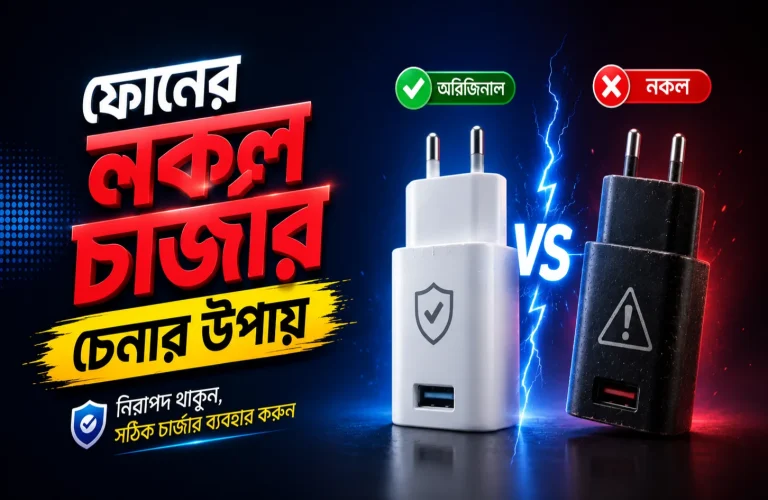
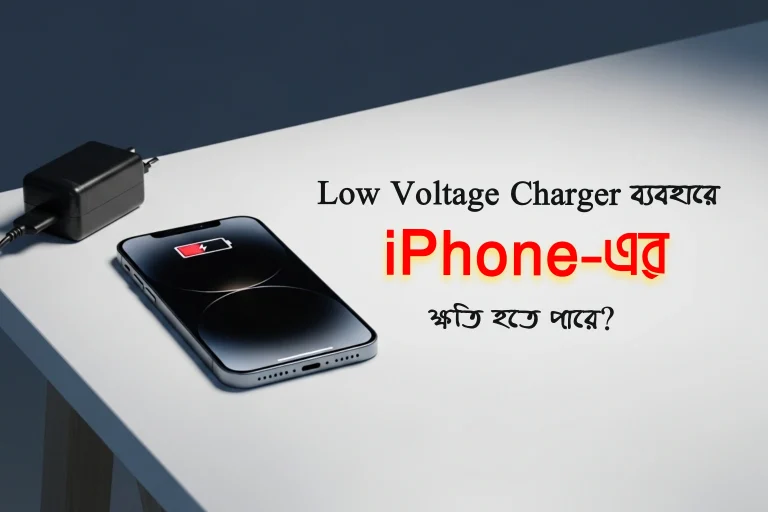
Using unofficial charging cables or adapters that don’t meet Apple’s standards can also make the device heat up quickly.
How To Fix an Overheating iPhone
Take these measures to effectively cool down your iPhone, and ensure your iPhone do not become hot again –
1. Move Away from Nearby Heat Source
Immediately move your phone away from any heat sources nearby. You can fan your phone, such as waving air with a sheet of paper to get it cooled faster.
2. Stop Using and Switch Off
Your iPhone can stop functioning temporarily if it gets too hot. To avoid such instances, stop using the phone for a while, it will automatically adjust the temperature and go back to its normal functionality. Also you can switch it off by pressing the volume button until the slider appears, and then drag to Power Off.
3. Remove The Case
Using a beefy case with your iPhone can cause the connectors and openings to get congested. Thick case frames often disrupt the natural airflow and heat dissipation. Avoid using such cases to keep your iPhone cool.
4. Enable Airplane Mode
Turning on the Airplane Mode from the top slider will stop all wireless networks including GPS, WiFi, Cellular Data, and Bluetooth – which when active causes significant processing from the CPU. By enabling the Airplane Mode you can start reducing the temperature of your iPhone immediately.
5. Turn off Background Refresh
Background Refresh is an iPhone feature that allows the iPhone to constantly look for any new update on the apps, such as social media apps like facebook so you don’t miss anything. Mail and facebook notifications are the most prominent examples of it, However, it has some negative aspects such as slowing down the iPhone and overheating. Turn it off from the settings by searching for Background Refresh.
6. Limit Video Call Durations
Video calls are a very resource intensive task for phones. During one, your phone has to simultaneously process video and audio, maintain connection to the network and work with the camera. If you see that your phone is getting hotter on video calls, cut down the video call time.
What to Do If Your iPhone Still Overheats
If your phone is still behaving like a pocket-sized heater after trying all the basic steps you can try something more to fix the problem. Here are the steps:
Restart Your iPhone
A quick restart can stop background apps or processes that are draining power and generating heat.
Update Your iOS
Sometimes, overheating is caused by software bugs. Make sure your iPhone is running the latest iOS version. Apple often includes performance improvements and fixes in updates.
Reset All Settings
If the problem started after changing settings or installing new apps, go to Settings > General > Transfer or Reset iPhone > Reset > Reset All Settings. This won’t delete your data but will return system settings to default.
Check for Battery Health Issues
Go to Settings > Battery > Battery Health & Charging. If it says your battery needs service, it might be the root cause of the overheating.
Clear Storage Space
A nearly full phone can struggle to operate smoothly. Delete unused apps, old photos, or large files to reduce system pressure.
Avoid Charging in Hot Environments
Charge your iPhone in a cool, shaded area. Avoid charging inside cars, under pillows, or near windows during the daytime.
When to Seek Professional Help
If your iPhone continues to overheat despite the mentioned tips, it may have a hardware issue requiring professional diagnosis. Contact Apple-certified technicians at Apple Gadgets Care to find the exact solution to your iPhone overheating issue, or any hardware – software related problem including checked screen, battery replacement, charging, glitches etc. Our certified technicians come with 10-12 years of experience resolving Apple product issues with specific diagnosis and solution.
Final Thoughts
iPhone overheating can be smartly resolved with simple tweaks. Keeping your software updated, managing app usage, and being mindful of environmental factors can take you a long way in preventing issues. For persistent problems, don’t hesitate to consult an expert. By taking these steps, you can enjoy a smoother, longer-lasting iPhone experience.

Ifrad Mahbub is a tech enthusiast with more than two years of experience in writing about cutting-edge smart gadgets, cameras, and computers. He is passionate about exploring new technologies and engaging with like-minded professionals on the future of digital trends.