How Do I Clean My iPhone
Phones go everywhere with us. Pocket, table, bed, sometimes even the kitchen. You don’t really notice it, but it picks up a lot along the way.
And cleaning it, most people either ignore it or overdo it with the wrong things. Both happen. It’s actually simple if you don’t overthink it. Just a few habits, nothing complicated.
Before You Start Cleaning, Just Keep This in Mind
iPhones aren’t fragile, but they’re not something you want to scrub like a plate either. Most of the time damages appear without our realization. As we know, sometimes we start cleaning our iPhones aggressively and don’t follow proper steps or instructions. We should also keep in mind that not every dirt mark requires a forceful cleaning.
Sometimes it’s just marks from your pocket or daily use. Happens more than people think. Here’s a few things people don’t always notice:
-
Too much pressure while wiping
Some people press hard thinking it will remove marks faster. It doesn’t. It just wears things down quicker. You’ll see it later when the screen starts picking up more smudges than before.
-
Using random cleaners from home
Like glass cleaner or surface spray. At first it will feel harmless, while over time your iPhone’s overall screen coating might get affected a lot. This leads to your iPhone’s screen always looking smudgy and filled with fingerprints even after a lot of wiping.
-
Mistaking marks for scratches
It happens a lot. Something from your pocket or denim leaves a mark, and it looks like a scratch. People panic, start rubbing it harder, and end up making it worse.
How to Clean Your iPhone Without Making It Worse
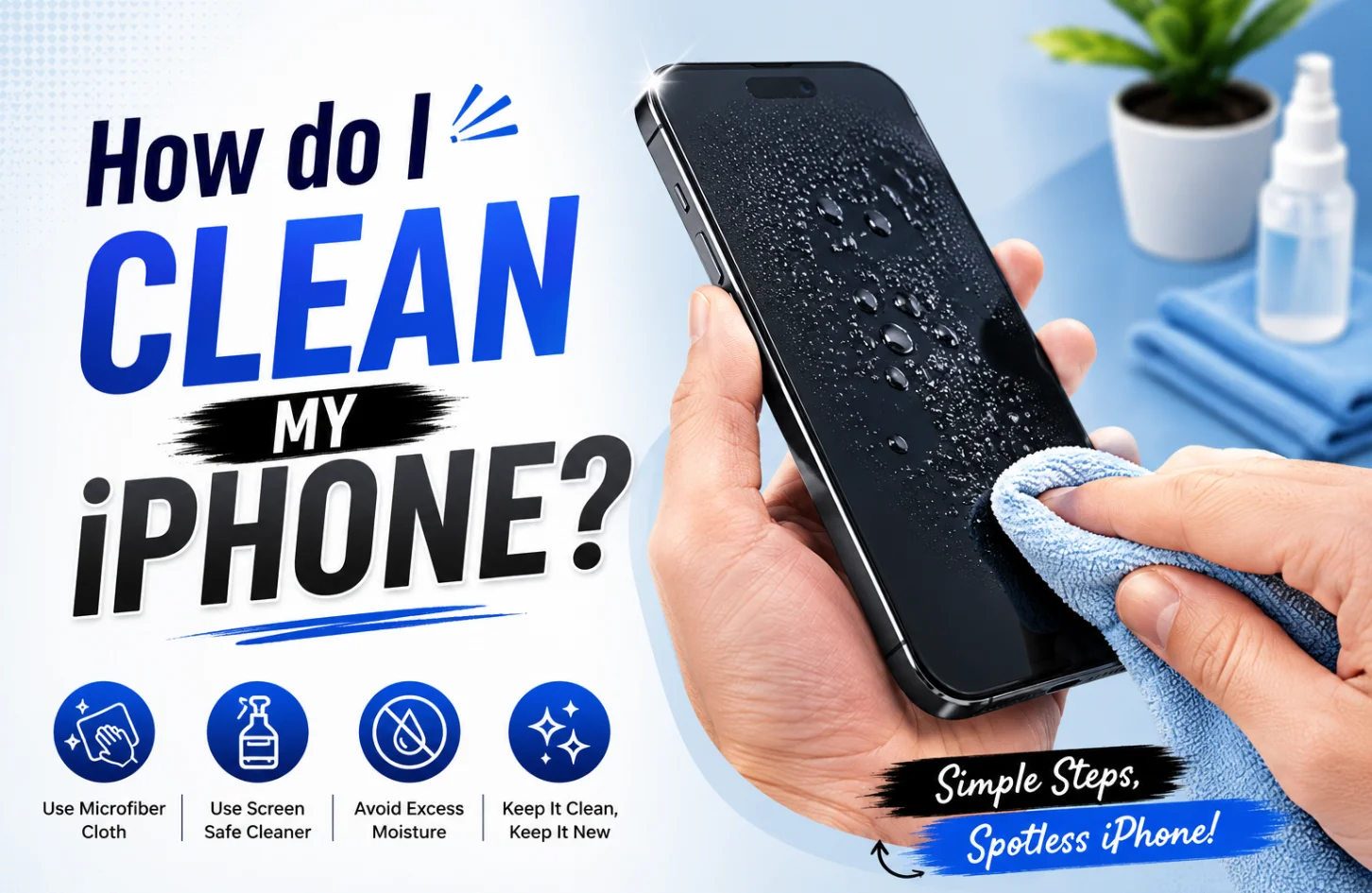
You don’t need anything complicated or something that is hard to find. Just do it step by step and don’t rush it. Here are a few easy iPhone cleaning steps below:
➔ Turn off your iPhone and unplug everything
No cables, no charging. It’s safer this way to keep your phone away from power.
➔ Start with a soft dry cloth
Microfiber is best. Although do remember to dry clean it first. Because it’s possible for dry dust, fingerprints or oil from your hand might be on top of your iPhone. So it’s better to use a dry cloth to clean it off at first.
➔ If needed, slightly damp the cloth
After cleaning with a dry cloth, now’s the time to use a damp cloth but not totally wet. Just a little. Wipe gently, no pressure.
➔ Use a bit of alcohol only if there’s stubborn dirt
Put it on the cloth, not directly on the phone. That’s where people usually mess up.
➔ Clean edges and small areas carefully
Speaker grills, camera edges, dirt builds there. Use something soft, nothing sharp.
➔ Let it dry for a moment before using again
Doesn’t take long, just don’t rush back into using it immediately.
What Kind of User Are You? That Changes How You Clean
We always use our iPhones in our own preferred way. Everybody’s usage pattern will be different from one another. Some users barely touch their phones, while others can’t stop from staying away from it. That is why the usage pattern will differ from one another. Here’s a quick view below about which user you might be:
| Type of User | When to Clean | Why Clean | Cleaning Result |
| Heavy User (all-day phone use) | Every 2–3 days | Oil, fingerprints build up fast | Screen feels smooth again, less smudges |
| Office / Light User | Once a week | Dust and light dirt | Clean look, no visible marks |
| Outdoor / Travel User | After trips or outdoor use | Dust, sand, pollution | Removes rough particles, safer for screen |
| Gym / Active User | After workouts | Sweat and bacteria | Cleaner surface, less sticky feel |
| Makeup / Lotion Use | As needed | Smudges, stains on screen/body | Restores original look |
| Rare User | Occasionally | Just general dust | Keeps device looking fresh |
About Screen Coating (Most People Don’t Notice This)
Your iPhone screen has a coating that helps reduce fingerprints. That’s why it doesn’t feel greasy all the time.
But this layer slowly wears out. Normal use does that. Cleaning with strong chemicals speeds it up. So if your screen feels more smudgy after a few years, that’s normal. Not really something broken.
Apple Gadgets Care – When Cleaning Isn’t Enough
Even after all the cleaning steps you followed, it’s possible to leave a mark and unfinished job. And if it’s a complicated cleaning, then it’s better to leave it to professionals without damaging the iPhone further. That’s where professional cleaning or checking helps. At AG Care, they handle things like deep cleaning, internal dust removal, and proper inspection without risking damage.
You don’t have to do it regularly or anything. Most people honestly don’t bother cleaning it. Then a few months pass, phone’s been in pockets, dust here and there, maybe a few drops or just daily rough use, and suddenly you notice the speaker sounds a bit dull, or there’s grime sitting around the edges you didn’t see before. That’s usually the point where people go, “okay, maybe I should clean this.
Final Words
You don’t really need to overthink cleaning it. Most of the time, a quick wipe does the job. Unless it’s actually dirty from daily use, there’s no point in going extra with it. No need to turn it into a routine unless your usage actually demands it.
That is why follow today’s quick clean process for the iPhone whenever your device requires it. Above all stay tuned to Apple Gadgets Care blog page to remain updated on how you can protect your device the right way.