
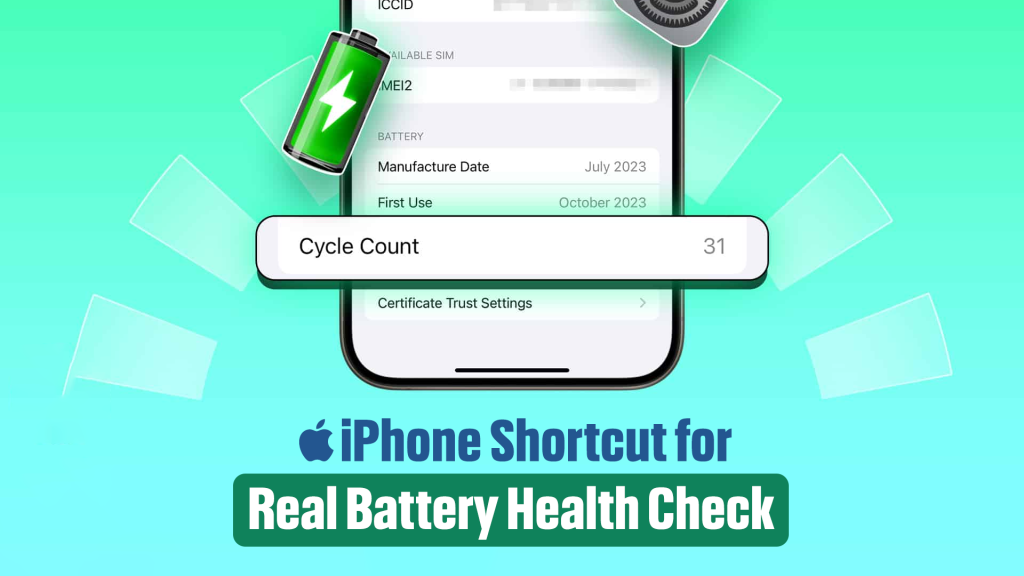
To keep your device healthy, it’s necessary to know its current condition. It will help to take proactive steps to extend its lifespan. As Apple claims that iPhones are designed to retain 80% of their original battery capacity after 500 charge cycles, isn’t it better to know at which charging cycle your iPhone is? However, who has all the time in the world to check battery health regularly that too by going through all the lengthy process? Why not get a shortcut which will make your life easier? Let’s explore how you can set up and use an iPhone shortcut to check your battery health effortlessly.
Some stats you need to know
- Original charge capacity of your iPhone’s battery is represented by MaximumFCC
- Apple iPhone’s current maximum battery capacity is represented by Nominal Charge Capacity. Unless your device is brand new, this value will be lower than the MaximumFCC.
- Apple determines the Maximum Capacity percentage shown in the Settings app by comparing your iPhone’s current Nominal Charge Capacity to the standard charge capacity for your specific iPhone model. Interestingly, this standard is set slightly lower than the MaximumFCC (the original factory charge capacity) of most iPhones. This approach ensures that many iPhones can still display 100% Maximum Capacity even after experiencing dozens, sometimes hundreds of charge cycles.
- Cycle Count is the number of charge cycles your iPhone has been through. One charge cycle is any time you discharge your iPhone a total of 100%. It’s something like this. You charged 60% at night and the next day you charged 40% so the total 100% makes up 1 charge cycle.
Steps to set up a shortcut for checking your iPhone’s battery health
- On your iPhone, launch the Shortcuts app. If you don’t have it installed, download it from the App Store.
- Tap the “+” icon to create a new shortcut.
- Search for the “Get File” action and configure it to retrieve data from iPhone Analytics. This file contains detailed battery health information.
- Use actions like “Extract Text” or “Get Variable” to locate and display MaximumFCC, Nominal Charge Capacity, or other details from the analytics file.
Once your shortcut is set up, using it is simple
Tap the shortcut in the Shortcuts app, use Siri by saying, “Hey Siri, check battery health,” or add it to your Home Screen for easy access.
Take your battery monitoring to the next level with these tips:
- Set up automation in the Shortcuts app to run the battery health shortcut at specific intervals, like once a week or when your phone reaches a certain charge level.
- Expand the shortcut to include additional data such as charging cycles, temperature, or battery usage patterns.
However, if you want to consider a more detailed analysis of your battery’s performance then using third-party apps or tools can be a good choice.
Before you know how to take care of your device, it’s important to know the present condition. Instead of navigating through multiple settings, a shortcut brings battery health data directly to you with a single tap or voice command. By monitoring key metrics like MaximumFCC and Nominal Charge Capacity, you can take better care of your iPhone and extend its lifespan. Set up your shortcut today and enjoy the convenience of instant access to your battery’s health status.

Raisul Islam is an SEO strategist with a strong passion for technology. He enjoys diving into tech blogs, exploring new innovations, and sharing insights through his writing on the latest tech developments.